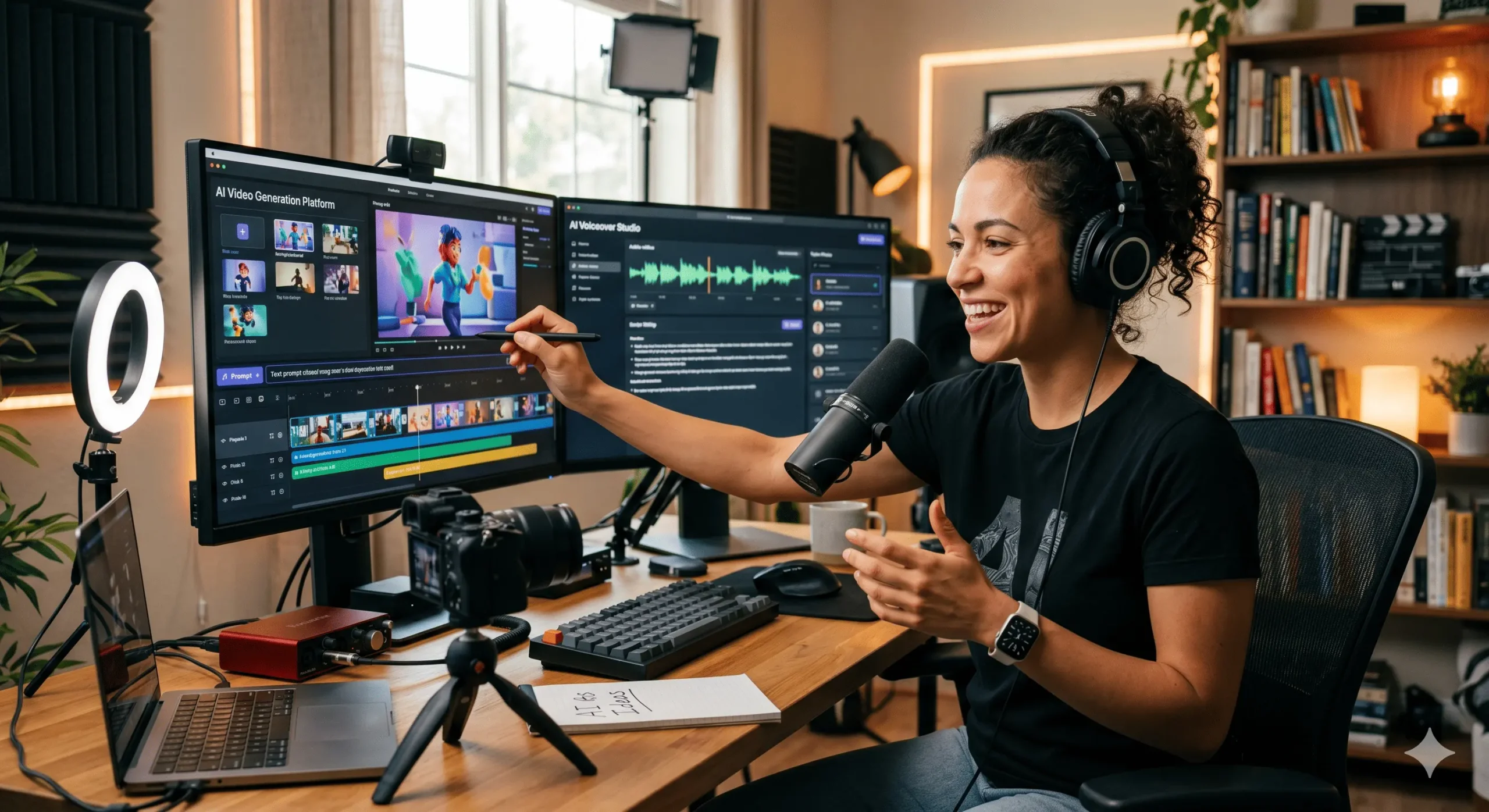
How to make videos with ai
Table of Contents
In the rapidly evolving landscape of digital content creation, artificial intelligence (AI) is emerging as a powerful ally for anyone looking to produce engaging videos. From scripting to editing and even generating entire visual narratives, AI tools are democratizing the video-making process. Whether you’re a seasoned filmmaker, a small business owner, a marketer, or simply an individual looking to express your creativity, understanding how to make videos with AI can unlock new levels of efficiency and innovation. This comprehensive guide will explore the various ways AI can assist you, from initial ideation to final polished product, aiming to equip you with the knowledge to harness this transformative technology.
The AI Revolution in Video Production
Traditionally, video production has been a resource-intensive endeavor, requiring specialized skills, expensive equipment, and significant time investment. AI is dramatically lowering these barriers. It can automate tedious tasks, provide creative suggestions, and even generate content that was previously only possible through manual effort. This means you can now conceptualize, create, and distribute high-quality videos faster and more affordably than ever before. The accessibility of these tools is a game-changer, empowering a wider range of individuals and businesses to leverage the power of video for communication, marketing, and storytelling.
Phase 1: Scripting and Ideation with AI
The foundation of any great video is a compelling script. AI can be an invaluable partner in this initial stage, helping you brainstorm ideas, refine your narrative, and even write entire scripts. Several AI-powered tools are designed for this purpose.
- AI Scriptwriting Assistants: These tools use natural language processing (NLP) to understand your prompts and generate scripts based on your topic, target audience, and desired tone. You can provide a simple outline or a few keywords, and the AI will flesh it out into a coherent narrative. They can suggest dialogue, plot points, and even character arcs.
- Topic Generation and Research: Feeling stuck for ideas? AI can analyze current trends, popular search queries, and your competitor’s content to suggest video topics that are likely to resonate with your audience. This data-driven approach ensures your content is relevant and engaging.
- Outline Creation: For more complex videos, AI can help structure your ideas into a logical outline. This involves breaking down your main topic into subheadings, key points, and supporting details, providing a clear roadmap for your video production.
- Summarization and Repurposing: If you have existing content like blog posts or articles, AI can summarize them into concise video scripts, helping you repurpose your content efficiently.
When using AI for scripting, remember that it’s a collaborative process. Treat the AI’s output as a draft. Review, edit, and inject your own unique voice and perspective to ensure the script truly reflects your brand or message.
Phase 2: Visualizing and Storyboarding with AI
Once you have a script, the next step is to visualize it. This is where AI-driven tools can help you create storyboards, select visuals, and even generate initial video assets.
- AI Image and Asset Generation: Tools like DALL-E, Midjourney, and Stable Diffusion can generate unique images and illustrations based on text descriptions. This is incredibly useful for creating custom visuals that perfectly match your script’s narrative, eliminating the need for expensive stock photos or custom illustration.
- Automated Storyboarding: Some AI platforms can take your script and automatically generate a series of visual frames, mimicking a traditional storyboard. These visuals can be based on AI-generated imagery or suggest stock footage that aligns with the scene.
- Scene Description and Mood Boards: AI can analyze your script and suggest visual styles, color palettes, and camera angles that would best convey the intended mood and tone of each scene.
- Character and Object Generation: For more advanced use cases, AI can even generate 3D models of characters or objects, which can then be incorporated into your video.
The ability to generate visuals on demand is a significant time-saver. It allows you to quickly iterate on visual ideas and ensure that your video’s look and feel are cohesive and impactful.
Phase 3: AI-Powered Video Generation and Editing
This is where AI truly shines in terms of direct video creation. AI tools can now generate entire video clips from text, edit footage automatically, and enhance the overall quality of your production.
- Text-to-Video Generation: This is one of the most exciting advancements. Platforms like Synthesia, Lumen5, and Pictory can transform your text script into a complete video. You provide the script, and the AI selects relevant stock footage, images, and background music, then overlays your text as captions or voiceovers. Some tools even offer AI-generated avatars that can present your content.
- Automated Video Editing: AI can analyze your raw footage and automatically identify the best clips, stitch them together, add transitions, and even sync them to music. This significantly reduces the manual editing workload, allowing you to focus on the creative aspects.
- AI Voiceovers and Narration: AI-powered text-to-speech technology can generate natural-sounding voiceovers for your videos. You can choose from a wide range of voices, accents, and languages, offering a cost-effective alternative to professional voice actors.
- Background Removal and Object Tracking: AI tools can intelligently remove backgrounds from video footage, allowing you to place subjects on any desired background. They can also track specific objects or individuals within a video, which is useful for special effects or highlighting specific elements.
- Video Enhancement and Upscaling: AI algorithms can improve the quality of low-resolution or grainy footage. They can denoise video, enhance colors, and even upscale footage to higher resolutions, making older or less-than-perfect clips usable.
- Content Repurposing and Summarization: AI can take long-form videos (like webinars or lectures) and automatically generate shorter highlight clips or summaries, perfect for social media sharing.
When using text-to-video generators, pay close attention to the AI’s choices. You’ll often have the ability to customize visuals, voiceovers, and music to better align with your brand and message. Remember that these tools are best for creating explainer videos, marketing content, or informational videos where the emphasis is on conveying information clearly and concisely.
Phase 4: Optimization and Distribution
Creating a great video is only half the battle; getting it seen is the other. AI can also play a role in optimizing your videos for search engines and distribution platforms.
- AI-Powered SEO for Video: AI tools can analyze your video content and suggest relevant keywords, titles, and descriptions that will improve its discoverability on platforms like YouTube and Google. They can also help you optimize your video’s metadata for better search engine ranking.
- Automatic Caption Generation: Many AI tools can automatically generate accurate captions for your videos, improving accessibility for viewers with hearing impairments and making your content more searchable by search engines.
- Thumbnail Generation: AI can analyze the content of your video and suggest compelling thumbnail images that are likely to attract clicks.
- Audience Analysis and Recommendation: AI can analyze viewer behavior to understand what types of videos resonate most with your audience, helping you tailor future content and distribution strategies.
By leveraging AI for optimization, you can significantly increase the reach and impact of your video content.
Best AI Tools for Video Creation (Examples)
The AI video creation landscape is constantly evolving, with new tools emerging regularly. Here are a few prominent examples that cover various aspects of the video production pipeline:
- Synthesia: For AI-generated presenter videos with realistic avatars.
- Lumen5: Excellent for turning blog posts and articles into social media videos quickly.
- Pictory: Offers a range of features from text-to-video to editing existing footage
- Descript: A revolutionary tool that allows you to edit video by editing the transcript, with AI features for overdubbing and filler word removal.
- RunwayML: A comprehensive suite of AI creative tools, including text-to-video, image generation, and advanced editing features.
- DeepMotion: Focuses on AI-powered 3D animation and motion capture.
- Murf.ai: For high-quality AI voiceovers with a vast library of voices and languages.
It’s worth exploring the free trials offered by many of these platforms to find the ones that best suit your workflow and budget.
Ethical Considerations and the Future
As AI continues to advance, it’s important to be aware of the ethical implications. Issues like deepfakes, copyright concerns regarding AI-generated content, and the potential impact on human jobs in the creative industry are all crucial discussions. The future of video creation will likely involve a hybrid approach, where AI tools augment human creativity rather than replace it entirely. Expect even more sophisticated AI capabilities, including real-time AI-driven editing during live streams, personalized video experiences for viewers, and AI that can understand and generate complex emotional narratives.
Conclusion
Making videos with AI is no longer a futuristic concept; it’s a present-day reality that offers unprecedented opportunities for creators and businesses. By embracing AI tools for scripting, visualization, generation, editing, and optimization, you can streamline your production process, enhance the quality of your videos, and reach a wider audience more effectively. As AI technology continues to mature, its role in video creation will only become more integral. Start exploring these tools today, and unlock the potential of AI to bring your video ideas to life.