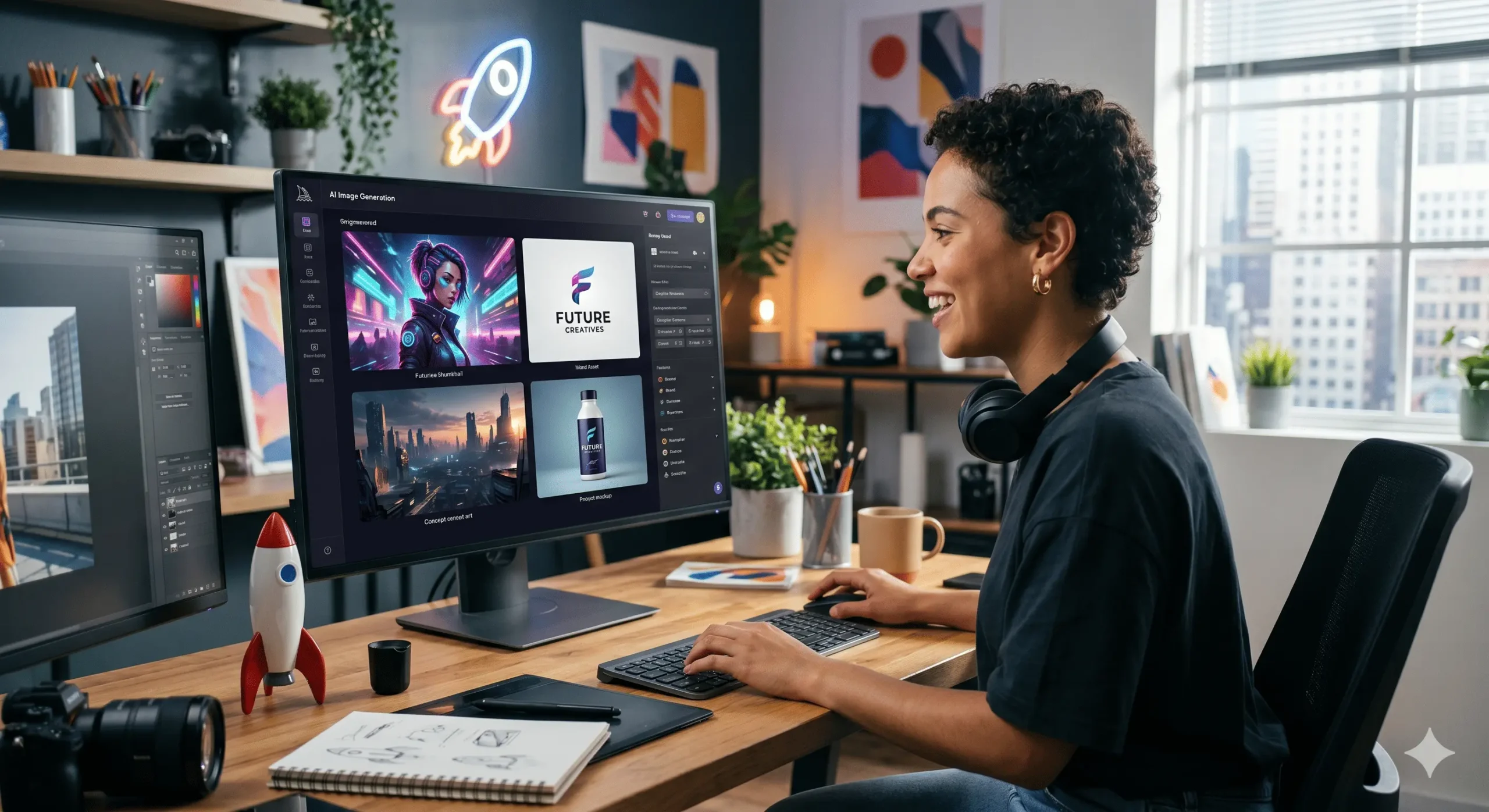
How to make ai pictures
Table of Contents
The world of art and technology has collided in a spectacular fashion, giving rise to AI-generated art. The ability to conjure captivating and often surreal imagery with just a few descriptive words is no longer the stuff of science fiction. If you’ve ever marveled at stunning AI-generated pictures and wondered “how to make AI pictures yourself,” you’re in the right place. This comprehensive guide will demystify the process, from understanding the underlying technology to practical steps and tips for creating your own digital masterpieces.
Understanding the Magic Behind AI Picture Generation
Before diving into the “how-to,” it’s helpful to grasp the basic principles. At its core, making AI pictures relies on sophisticated machine learning models, primarily **generative adversarial networks (GANs)** and more recently, **diffusion models**. These models are trained on vast datasets of existing images and text descriptions. They learn the relationships between words and visual elements, enabling them to generate new images that match prompts.
Think of it like this: the AI has “seen” millions of images of cats, dogs, landscapes, and abstract patterns, along with their corresponding labels. When you provide a prompt like “a majestic lion sitting on a mountain at sunset,” the AI accesses its learned knowledge to combine visual features associated with “lion,” “mountain,” and “sunset” into a novel image. The magic lies in its ability to synthesize these elements in a coherent and often aesthetically pleasing way.
The Essential Ingredients: What You’ll Need
The good news is that you don’t need a supercomputer or a PhD in artificial intelligence to start making AI pictures. The barriers to entry have been significantly lowered thanks to user-friendly platforms and accessible software. Here’s what you’ll generally need:
- A Device: A computer, tablet, or even a smartphone will suffice, depending on the platform you choose.
- Internet Connection: Most AI art generators are web-based or require online access for processing.
- A Creative Idea: This is the most crucial ingredient! Your imagination is your only limit.
- A Text Prompt: This is your instruction to the AI. The better your prompt, the better your results.
- An AI Art Generator Platform: These are the tools that do the heavy lifting.
Choosing Your AI Art Generator: Top Platforms
The landscape of AI art generators is constantly evolving, with new tools emerging regularly. However, several platforms have become popular for their ease of use, impressive results, and accessibility. Here are some of the leading options:
- Midjourney: Known for its highly artistic and often photorealistic outputs, Midjourney is accessed through Discord. It’s a paid service but offers exceptional quality.
- DALL-E 2 (OpenAI): One of the pioneers, DALL-E 2 is renowned for its ability to understand complex prompts and generate diverse styles. It offers a free credit system to start.
- Stable Diffusion: This is an open-source model that can be run locally on your own hardware (if you have a powerful enough GPU) or accessed through various web interfaces like DreamStudio. Its open-source nature allows for extensive customization.
- NightCafe Creator: A user-friendly web-based platform that offers multiple AI algorithms and community features. It has a credit system, with free daily credits available.
- Canva: The popular design platform now integrates AI text-to-image generation, making it incredibly convenient for those already using Canva for their projects.
- Fotor: Another comprehensive photo editor that includes a powerful AI image generator.
Each platform has its strengths and weaknesses, so exploring a few will help you find your preferred workflow and aesthetic.
The Art of the Prompt: Crafting Effective Instructions
The most critical skill in making AI pictures is learning to write effective **text prompts**. Think of yourself as a director communicating your vision to a highly capable, albeit literal, artist. The AI needs clear, descriptive, and specific instructions to produce the desired outcome.
Key Elements of a Great Prompt:
- Subject: What do you want to see? Be specific (e.g., “a golden retriever,” not just “a dog”).
- Action/Pose: What is the subject doing? (e.g., “running through a field,” “looking curiously at the camera”).
- Environment/Setting: Where is it happening? (e.g., “in a misty forest,” “on a futuristic cityscape”).
- Style: What artistic style should it emulate? (e.g., “in the style of Van Gogh,” “cyberpunk,” “watercolor painting,” “photorealistic”).
- Lighting: Describe the light. (e.g., “golden hour light,” “dramatic studio lighting,” “moonlit”).
- Composition/Camera Angle: How should the scene be framed? (e.g., “close-up,” “wide shot,” “from a bird’s-eye view”).
- Mood/Atmosphere: What feeling should the image evoke? (e.g., “serene”, “chaotic”, “mysterious”).
- Details: Add specific details to enhance the image. (e.g., “wearing a tiny hat,” “with glowing eyes”).
Prompting Techniques to Try:
- Be Descriptive: Use adjectives and adverbs to paint a vivid picture.
- Use Keywords: Think about common terms associated with the style or subject you want.
- Experiment with Negative Prompts: Some platforms allow you to specify what you *don’t* want in the image (e.g., “no blurry edges”).
- Combine Styles: “A medieval knight in the style of a Pixar animation.”
- Reference Artists/Art Movements: “A portrait of a cat, in the style of Alphonse Mucha.”
- Specify Medium: “Digital painting,” “oil on canvas,” “pencil sketch.”
Example Prompt Evolution:
- Initial Idea: A cat
- Better Prompt: A fluffy orange cat.
- Even Better Prompt: A fluffy orange cat sitting on a windowsill, bathed in warm afternoon sunlight, looking out at a rainy city street.
- Advanced Prompt: A highly detailed, photorealistic image of a fluffy orange cat with emerald green eyes, perched regally on a vintage wooden windowsill. The scene is illuminated by soft, golden hour sunlight casting long shadows. Outside the window, a blurred cityscape is visible under a gentle, atmospheric rain. Focus on sharp details of the fur and the reflective qualities of the window glass. –ar 16:9 –style realistic
Step-by-Step: How to Make Your First AI Picture
Let’s walk through the general process using a popular web-based platform as an example. The exact steps might vary slightly between services, but the core principles remain the same.
Step 1: Choose Your AI Art Generator
For this example, let’s imagine you’ve decided to try out NightCafe Creator or a similar platform.
Step 2: Sign Up or Log In
Navigate to the website of your chosen AI art generator and create an account or log in if you already have one. Most platforms offer a free tier or trial credits to get you started.
Step 3: Find the “Create” or “Generate” Section
Look for a prominent button or menu item that leads you to the AI image generation tool. This is where you’ll input your prompt.
Step 4: Enter Your Text Prompt
This is your moment to shine! Type in your carefully crafted prompt. For beginners, start with something relatively simple and gradually add complexity.
Beginner Prompt Example: “A serene forest with a winding river and glowing fireflies.”
Step 5: Select an AI Model/Style (If Applicable)
Some platforms offer different AI models (like Stable Diffusion, DALL-E variants) or predefined artistic styles. Choose one that aligns with your desired outcome. For your first attempt, picking a general “artistic” or “realistic” style is a good starting point.
Step 6: Adjust Settings (Optional but Recommended)
You might find options for:
- Aspect Ratio: Choose the dimensions of your image (e.g., 1:1 for a square, 16:9 for widescreen).
- Number of Images: Generate multiple variations at once.
- Image Quality/Resolution: Higher quality may use more credits.
- Seed: A numerical value that influences the randomness. Using the same seed with the same prompt can sometimes reproduce similar results.
Step 7: Click “Generate”
Hit that button and watch the magic happen! The AI will process your request, which can take anywhere from a few seconds to a couple of minutes, depending on the complexity and the platform’s load.
Step 8: Review and Refine
Once the images are generated, examine them. Do they match your vision? If not, don’t be discouraged! This is where the iterative process begins.
- Analyze the Results: What worked? What didn’t?
- Tweak Your Prompt: Add more detail, clarify your request, or try different keywords.
- Generate Again: Input your refined prompt and generate new images.
You might need to go through several rounds of prompting and generation to get an image you’re truly happy with.
Step 9: Download and Share
Once you’ve created an AI picture you love, most platforms will allow you to download it in various formats. Congratulations, you’ve just made your first AI picture!
Tips for Mastering AI Picture Creation
The more you practice, the better you’ll become at crafting prompts and understanding how different AI models interpret them. Here are some advanced tips:
- Study Other Prompts: Many platforms have galleries where users share their creations and prompts. Learning from others is an excellent way to discover new techniques and keywords.
- Be Patient and Persistent: AI art generation is an iterative process. Don’t expect perfection on your first try
- Embrace the Unexpected: Sometimes, the AI will surprise you with results you didn’t anticipate but find incredibly interesting.
- Understand the Limitations: AI models are still learning. They can sometimes produce strange artifacts, illogical compositions, or struggle with complex anatomy (especially hands!).
- Experiment with Different Platforms: Each AI generator has its own \”personality\” and excels in different areas.
- Learn About Parameters: Dive deeper into specific parameters offered by your chosen platform, such as style weights, chaos, or stylize settings, to gain more control.
- Consider Upscaling: Many AI generators offer an “upscale” option to increase the resolution and detail of your chosen image.
- Use Image-to-Image (img2img): Some advanced tools allow you to upload an existing image and use it as a basis for generating new AI art, providing more control over composition and style.
The Future of AI Art
The journey of making AI pictures is just beginning. As the technology advances, we can expect even more sophisticated tools, greater control for creators, and new forms of artistic expression. Whether you’re a seasoned artist looking to explore new mediums or a curious beginner, the world of AI-generated imagery offers a boundless playground for creativity. So, gather your ideas, hone your prompts, and start exploring the fascinating realm of how to make AI pictures today!