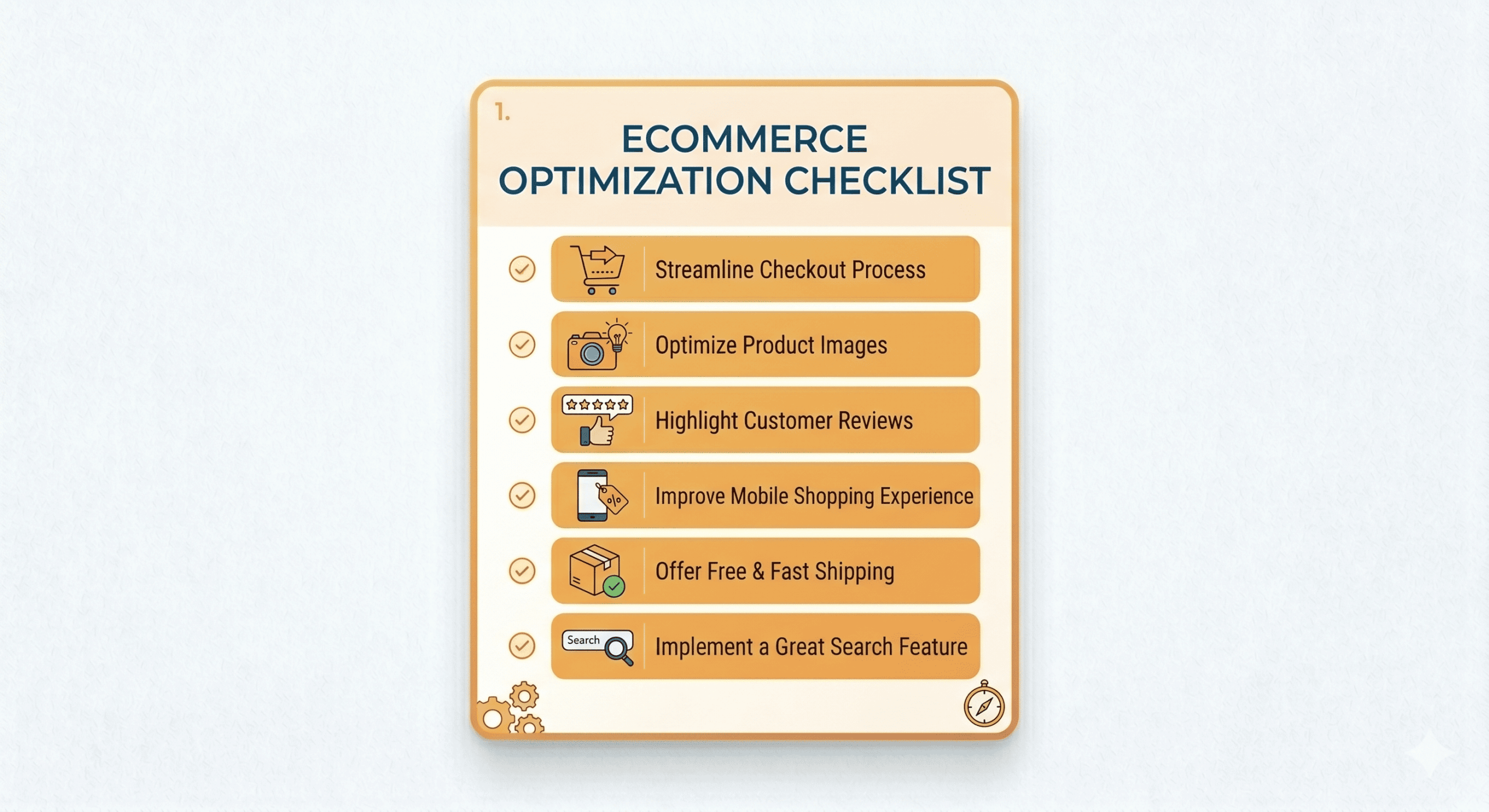
Ecommerce Optimization Checklist
Table of Contents
Running an online store is a balancing act between attracting traffic and converting visitors into loyal customers. If your sales have plateaued or your bounce rate is climbing, you likely need a comprehensive ecommerce optimization checklist to identify gaps in your funnel. This guide is designed for store owners, digital marketers, and e-commerce managers who want to stop leaving money on the table. By systematically auditing your site, you can resolve technical friction and create a shopping experience that feels intuitive and trustworthy.
Preparing Your Ecommerce Optimization Checklist
Before you change a single button color or rewrite a product description, you must understand your current baseline. Optimization without data is just guesswork. The preparation phase is about gathering the tools and insights necessary to make informed decisions that actually move the needle on your ROI.
- ✅ Install and configure Google Analytics 4 (GA4) to track specific conversion events and user behavior patterns.
- ✅ Set up a heatmap tool like Hotjar or Microsoft Clarity to see where users are clicking and where they are getting stuck.
- ✅ Conduct a comprehensive site speed audit using Google PageSpeed Insights to identify bloated images or scripts.
- ✅ Perform a competitor analysis to see how rival brands handle their navigation, pricing strategies, and value propositions.
- ✅ Review your current customer support logs to find recurring complaints or questions that suggest friction in the buying process.
Planning Stage
Once you have gathered your data, it is time to map out your strategy. Planning ensures that your optimization efforts are cohesive and prioritize the areas that will have the biggest impact on your bottom line. A solid ecommerce optimization checklist helps you visualize the user journey from the first click to the final “Thank You” page.
- ✅ Define your primary customer personas to ensure your messaging and design resonate with your target audience’s specific needs.
- ✅ Map out the user journey to identify “leakage points” where potential customers drop off before completing a purchase.
- ✅ Create a content calendar for product updates, seasonal promotions, and blog posts that support your SEO goals.
- ✅ Prioritize your optimization tasks based on the “Ease vs. Impact” framework, focusing on high-impact, low-effort changes first.
- ✅ Verify that your brand’s unique selling proposition (USP) is clearly defined and ready to be featured prominently on the homepage.
Creation Stage
This is where the actual work happens. The creation stage focuses on building the assets that will engage your visitors. High-quality visuals and persuasive copy are the pillars of a successful online store. You are not just selling a product; you are selling a solution and a brand experience.
- ✅ Write unique, benefit-driven product descriptions that answer common customer objections and include relevant keywords.
- ✅ Source or shoot high-resolution product photography, including lifestyle shots and 360-degree views where applicable.
- ✅ Design clear, high-contrast Call-to-Action (CTA) buttons that stand out against your site’s background colors.
- ✅ Develop a “Trust Center” including clear shipping policies, easy return instructions, and comprehensive FAQ sections.
- ✅ Create “Social Proof” blocks featuring authentic customer reviews, star ratings, and user-generated content (UGC).
- ✅ Optimize all images by compressing them and adding descriptive alt text for better accessibility and search engine rankings.
Executing Your Ecommerce Optimization Checklist
Execution is about technical precision. This stage involves implementing the planned changes and ensuring the technical infrastructure of your store is robust. Every element must work perfectly across all devices, particularly on mobile, where the majority of e-commerce traffic now originates. Using an ecommerce optimization checklist during this phase ensures no technical detail is overlooked.
- ✅ Implement a “Mobile-First” design approach to ensure the site is fully responsive and easy to navigate on smartphones.
- ✅ Streamline the checkout process by enabling guest checkout and reducing the number of form fields required.
- ✅ Integrate multiple payment gateways, including digital wallets like Apple Pay, Google Pay, and PayPal, to reduce friction.
- ✅ Ensure every step of the ecommerce optimization checklist is cross-referenced with your site’s security protocols, such as SSL certificates.
- ✅ Set up automated abandoned cart email sequences to recapture lost sales from users who leave items in their bags.
- ✅ Test all internal links and navigation menus to ensure there are no 404 errors or broken paths for the user.
Promotion and Follow-up Stage
Optimization does not end when the site goes live. You need to drive traffic to your optimized pages and continue refining the experience based on real-world performance. This stage focuses on retention and long-term growth through consistent engagement and data-driven adjustments.
- ✅ Launch a retargeting ad campaign on social media to bring back visitors who viewed products but did not buy.
- ✅ Optimize your email marketing sign-up forms with an enticing lead magnet, such as a discount code or an exclusive guide.
- ✅ Monitor your “Add to Cart” and “Conversion” rates weekly to see if the changes you implemented are having the desired effect.
- ✅ Request feedback from recent customers through post-purchase surveys to learn about their shopping experience.
- ✅ Update your meta titles and descriptions periodically to improve click-through rates from search engine results pages (SERPs).
Pro Tips
To truly excel in the competitive online marketplace, you should look beyond the basics. These advanced tips will help you squeeze every bit of value out of your ecommerce optimization checklist and stay ahead of the curve.
- Use Personalization Engines: Implement AI-driven tools that show “Recommended for You” sections based on a user’s browsing history.
- A/B Test Everything: Never assume a change is better. Test two versions of a headline or image to see which one actually converts more visitors.
- Leverage Micro-Copy: Small phrases like “Secure Checkout” or “No Credit Card Required” near buttons can significantly reduce user anxiety.
- Monitor Core Web Vitals: Google uses these specific speed and stability metrics as ranking factors; keeping them “in the green” is essential for organic traffic.
- Implement Live Chat: Real-time support can answer questions that prevent a sale, turning a hesitant visitor into a confident buyer instantly.
Conclusion
A successful online store is never truly “finished.” It is an evolving ecosystem that requires constant attention and refinement. By following this ecommerce optimization checklist, you have built a foundation of data-backed strategy, technical