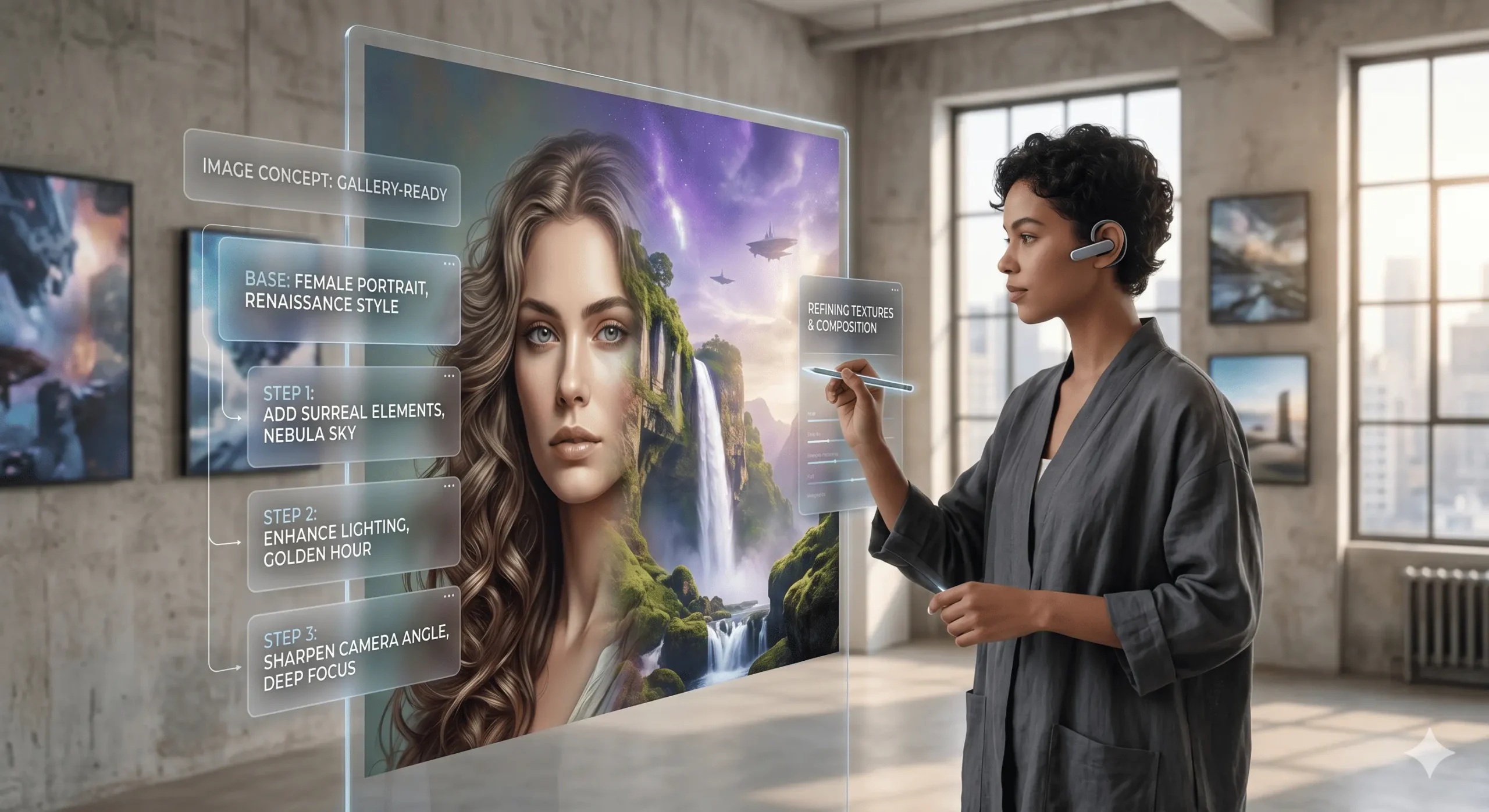
How to create images with ai
Table of Contents
In the rapidly evolving landscape of digital content creation, the ability to generate compelling visuals is more crucial than ever. For businesses, marketers, artists, and even casual users, the demand for unique, high-quality images is constant. Traditionally, this required specialized software, artistic talent, and significant time investment. However, a revolutionary technology has emerged, democratizing image creation: Artificial Intelligence (AI) image generation. This article will guide you through the exciting world of how to create images with AI, exploring the tools, techniques, and best practices to unlock your creative potential.
Understanding How to create images with ai
At its core, AI image generation leverages sophisticated algorithms, particularly deep learning models like Generative Adversarial Networks (GANs) and Diffusion Models, to create entirely new images from textual prompts or existing visual data. These models are trained on vast datasets of images and their corresponding descriptions, allowing them to understand the relationship between words and visual concepts. When you provide a prompt, the AI interprets your request and synthesizes an image that visually represents it.
The beauty of AI image generation lies in its accessibility and versatility. You don’t need to be a seasoned graphic designer to produce stunning artwork. With a clear idea and the right tools, anyone can become a digital artist. The process typically involves:
- Inputting a Prompt: This is the text description of the image you want to create.
- AI Processing: The AI model analyzes your prompt and begins generating image possibilities.
- Refinement and Iteration: You can often adjust prompts, add negative prompts, or use other parameters to fine-tune the output.
- Downloading and Using: Once satisfied, you can download your AI-generated image.
Popular AI Image Generation Tools
The market for AI image generators is booming, with new tools constantly emerging. However, some have established themselves as leaders due to their power, user-friendliness, and the quality of their output. Here are some of the most popular options:
Midjourney
Midjourney is renowned for its artistic and often breathtaking results. It operates primarily through a Discord bot, making it a unique and collaborative experience. Users join a Discord server, type commands, and the AI generates images within minutes. Midjourney excels at creating highly stylized, painterly, and imaginative visuals. Its strength lies in its ability to capture mood and atmosphere, making it a favorite among artists and designers seeking unique aesthetic styles.
DALL-E 2
Developed by OpenAI, DALL-E 2 is a powerful and versatile AI image generator known for its impressive ability to understand complex prompts and create realistic or fantastical imagery. It can generate images from text descriptions, edit existing images based on instructions (inpainting and outpainting), and create variations of existing images. DALL-E 2 is praised for its logical interpretation of prompts and its capacity to produce diverse styles.
Stable Diffusion
Stable Diffusion is a highly flexible and open-source AI model that allows for both cloud-based use and local installation for advanced users. Its open-source nature has fostered a vibrant community that develops custom models and interfaces. Stable Diffusion offers a great deal of control over the generation process, making it suitable for users who want to experiment with different parameters and achieve very specific results. It’s known for its photorealism and ability to handle a wide range of subjects.
Leonardo.Ai
\n\n
Leonardo.Ai is a platform that offers a suite of AI tools, including a powerful image generator. It emphasizes ease of use and provides pre-trained models optimized for specific aesthetics like game assets, photorealism, and artistic styles. Leonardo.Ai is a great option for those who want to generate images quickly and efficiently for specific use cases, such as game development or marketing campaigns. It also includes features for image editing and upscaling.
Crafting Effective Prompts for AI Image Generation
The quality of your AI-generated images is directly proportional to the quality of your prompts. Think of yourself as a director guiding an incredibly talented but literal artist. Here’s how to create prompts that yield impressive results:
Be Specific and Descriptive
Avoid vague descriptions. Instead of “a dog,” try “a fluffy golden retriever wearing a tiny red bandana, sitting in a sun-drenched meadow.” The more details you provide, the better the AI can understand your vision.
Include Keywords for Style and Mood
Specify the artistic style you desire. Use terms like “photorealistic” “oil painting” “watercolor” “cyberpunk” “fantasy art” “minimalist” “vintage,” etc. Similarly, describe the mood: “serene” “dramatic,” “joyful” “mysterious” “epic.”
Mention Lighting and Composition
Lighting plays a crucial role in an image’s impact. Try prompts like “golden hour lighting,” “studio lighting,” “dramatic chiaroscuro,” or “soft diffused light.” For composition, you might add “wide-angle shot,” “close-up portrait,” “overhead view,” or “rule of thirds.”
Experiment with Artist Names (Use Responsibly)
Some AI models can emulate the style of famous artists. You could try “in the style of Van Gogh” or “inspired by H.R. Giger.” However, be mindful of ethical considerations and copyright when using artist names.
Use Negative Prompts
Most AI tools allow you to specify what you *don’t* want in the image. This is invaluable for refining results. For example, if you’re generating a portrait and don’t want it to look cartoonish, you might add a negative prompt like “cartoon, illustration, drawing.”
Iterate and Refine
Rarely will your first prompt produce the perfect image. Treat it as a starting point. If the results aren’t quite right, tweak your prompt. Add more detail, change descriptive words, or incorporate negative prompts. The iterative process is key to mastering AI image generation.
Tips for Optimizing Your AI-Generated Images for SEO
Once you’ve created your stunning AI images, you’ll want to ensure they are discoverable online. This is where SEO comes in. Applying SEO best practices to your AI-generated visuals can significantly boost their visibility in search engine results and on your website.
Descriptive File Names
Before uploading, rename your image files with relevant keywords. Instead of `IMG_12345.jpg`, use `fluffy-golden-retriever-red-bandana-meadow.jpg`. This helps search engines understand the image’s content.
Compelling Alt Text
Alt text (alternative text) is crucial for both SEO and accessibility. It’s the text that appears if the image fails to load and is read by screen readers for visually impaired users. Write descriptive alt text that accurately reflects the image content and includes relevant keywords. For example: ` `
`
Relevant Captions
If you’re displaying images on your website, use informative and engaging captions. Captions provide context to users and search engines, reinforcing the image’s relevance to your content. Incorporate keywords naturally within your captions.
Image Optimization (File Size)
While AI can generate high-resolution images, large file sizes can slow down your website, negatively impacting user experience and SEO. Use image compression tools to reduce file size without significantly compromising quality. Many online tools and plugins can automate this process.
Strategic Keyword Integration
When describing your images in blog posts, product pages, or social media, strategically incorporate relevant keywords that people would use to search for such visuals. This reinforces the topical relevance of your images.
Consider Image Licensing and Usage Rights
Be aware of the terms of service for the AI image generation tool you are using. Understand the licensing and usage rights of the images you create, especially if you plan to use them commercially. Some platforms grant broad usage rights, while others may have restrictions.
The Future of AI Image Generation
The field of AI image generation is advancing at an astonishing pace. We can expect even more sophisticated tools, greater control over output, and seamless integration into various creative workflows. The ethical implications, such as copyright and the potential for misinformation, will continue to be important discussions. However, the power of AI to unlock creativity and democratize visual storytelling is undeniable. Whether you’re a professional designer looking to accelerate your workflow or an individual with a unique vision, learning how to create images with AI is an investment in your creative future.