Google Ads ROI Calculator
Google Ads ROI Calculator
Forecast performance, compare scenarios, and find your break-even point.
Campaign budget
$
$
Conversion metrics
$
%
Optional costs
$
$
ROI summary
Return on ad spend (ROAS)
0x
—
Estimated clicks
0
—
Conversions
0
—
Gross revenue
$0
monthly
Net profit / loss
$0
after ad costs
Cost breakdown
Key benchmarks
Cost per click
$0
Cost per conversion
$0
Break-even CPA
$0
Break-even CVR
0%
Conversion funnel
Monthly projection
Scenario comparison
Pessimistic uses 50% of your CVR/CTR. Optimistic uses 150%.
ROI across spend levels
ROI %
Revenue
Performance insights
What Is a Google Ads ROI Calculator?
A Google Ads ROI Calculator is an online tool that calculates the return on investment from your Google Ads campaigns. ROI is one of the most important performance metrics because it shows how much profit you earn compared to the amount you spend on advertising.
Instead of performing manual calculations, this calculator instantly provides your ROI, helping you evaluate campaign performance and optimize your advertising budget.
How Does the Google Ads ROI Calculator Work?
The calculator uses a simple ROI formula to determine your advertising performance.
Step 1
Enter your total Google Ads spend.
Step 2
Enter the total revenue generated from your campaign.
Step 3
Click Calculate.
Step 4
Instantly view your:
- Return on Investment (ROI)
- Total Profit
- Advertising Cost
- Revenue Generated
Formula Used
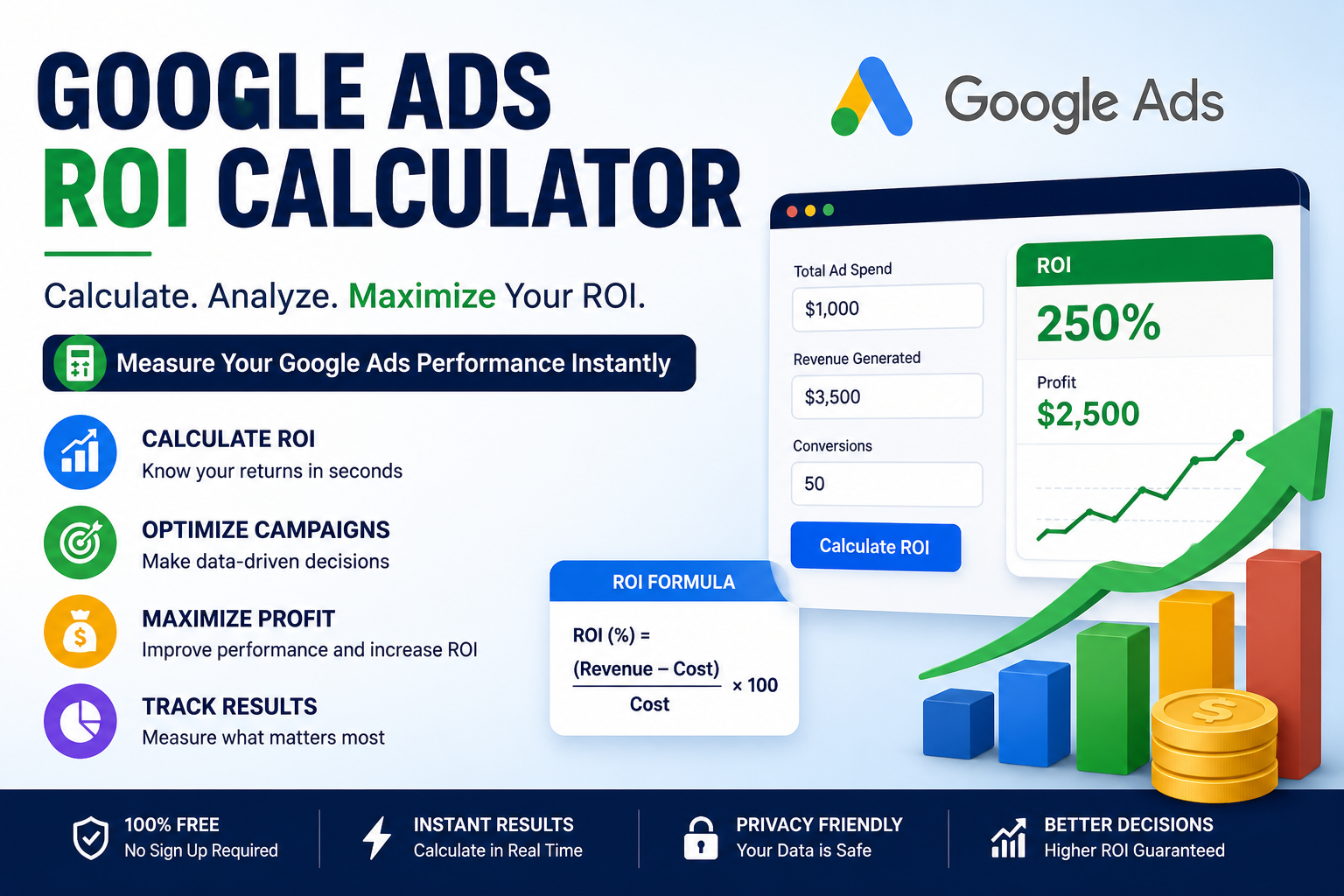
ROI (%) = ((Revenue − Advertising Cost) ÷ Advertising Cost) × 100
For example:
- Google Ads Spend: $1,000
- Revenue Generated: $3,500
Profit:
$3,500 − $1,000 = $2,500
ROI:
($2,500 ÷ $1,000) × 100 = 250%
This means your campaign generated a 250% return on investment.
Why Use a Google Ads ROI Calculator?
Tracking ROI helps you understand whether your advertising campaigns are generating profitable results.
Benefits include:
- Measure campaign profitability
- Compare multiple campaigns
- Allocate budgets effectively
- Improve bidding strategies
- Optimize marketing performance
- Make data-driven decisions
- Forecast future advertising returns
Factors That Affect Google Ads ROI
Several factors influence your ROI, including:
- Cost Per Click (CPC)
- Conversion Rate
- Quality Score
- Landing Page Experience
- Average Order Value
- Customer Lifetime Value
- Audience Targeting
- Ad Relevance
- Keyword Selection
- Competition
Improving these metrics can significantly increase your campaign’s profitability.
Tips to Improve Google Ads ROI
To maximize your return on investment:
- Target high-intent keywords.
- Improve your landing page experience.
- Increase your Quality Score.
- Optimize ad copy for better click-through rates.
- Use negative keywords to reduce wasted spend.
- Monitor conversion tracking regularly.
- Test multiple ad variations.
- Adjust bids based on campaign performance.
- Focus on high-performing audiences.
- Analyze campaign data and optimize continuously.
Who Can Use This Calculator?
This tool is ideal for:
- Small business owners
- Digital marketers
- PPC specialists
- Google Ads agencies
- E-commerce businesses
- Freelancers
- Marketing consultants
- Startups
- Affiliate marketers
- Online entrepreneurs
Disclaimer
This Google Ads ROI Calculator provides estimated results based on the values you enter. Actual campaign performance may vary depending on advertising costs, conversion rates, business expenses, customer behavior, and market conditions. Use the results as a guide for evaluating and optimizing your Google Ads campaigns.