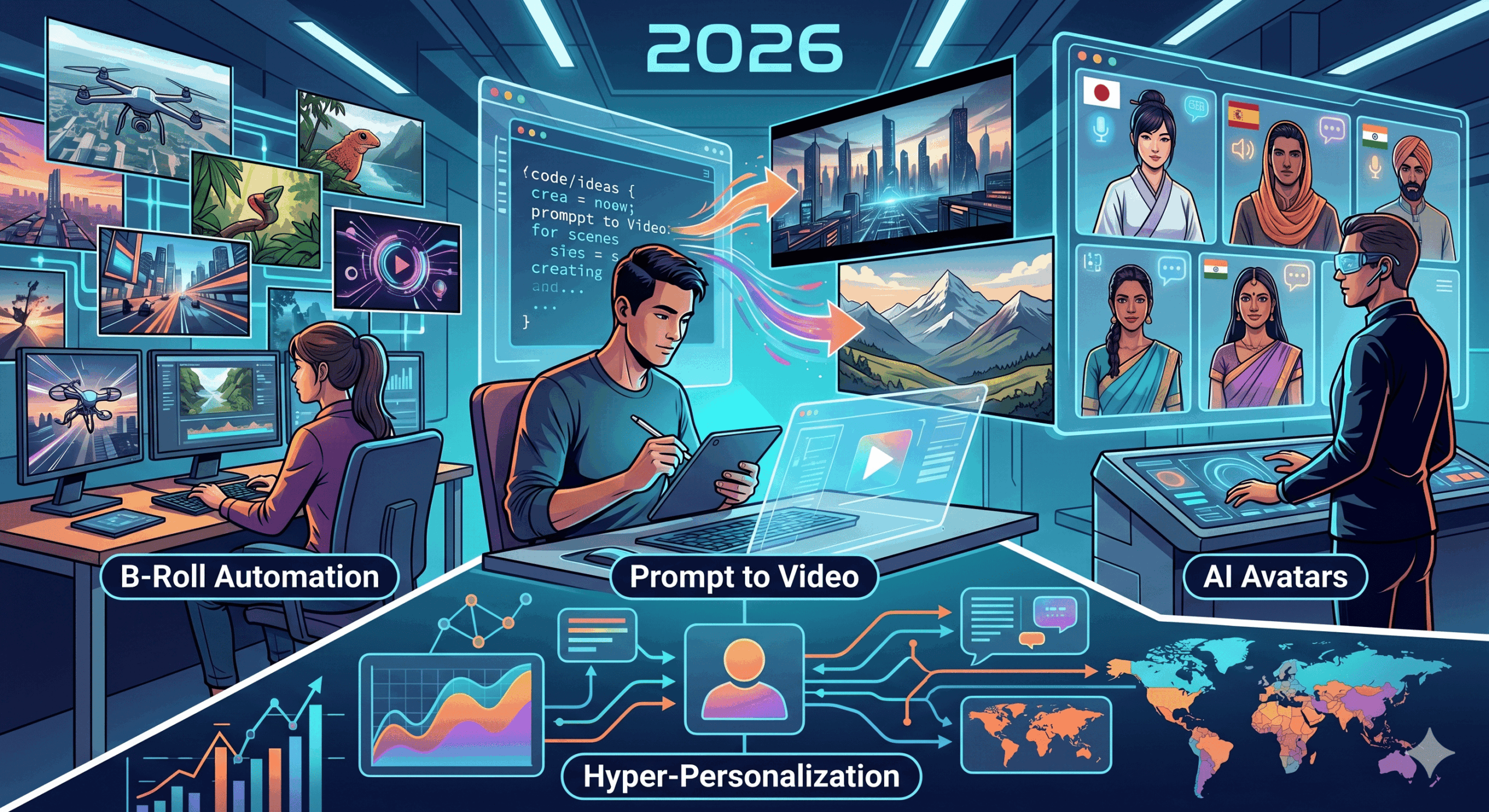
How to create videos with ai
Table of Contents
In today’s rapidly evolving digital landscape, video content reigns supreme. From social media engagement to educational platforms and marketing campaigns, the demand for high-quality, compelling videos has never been greater. However, the traditional video creation process can be time-consuming, resource-intensive, and require specialized skills. This is where the power of Artificial Intelligence (AI) steps in, revolutionizing how we create videos. This article will guide you through the exciting world of **how to create videos with AI**, unlocking new possibilities for content creators of all levels.
Understanding the AI Video Creation Landscape
Before diving into the practical steps, it’s essential to grasp the different ways AI can be leveraged for video production. AI-powered tools are not a single entity but rather a suite of technologies that can assist in various stages of the video creation pipeline. These include:
- Text-to-Video Generation: Perhaps the most groundbreaking advancement, these tools allow you to input a simple text prompt and watch as AI generates a unique video based on your description.
- AI Scriptwriting and Storyboarding: AI can help brainstorm ideas, structure narratives, and even generate basic storyboards, laying a solid foundation for your video.
- AI Voiceovers and Narration: Create realistic and engaging voiceovers using AI, choosing from a wide range of voices, accents, and languages.
- AI Video Editing and Enhancement: AI can automate tedious editing tasks, such as scene selection, color correction, and background removal, speeding up the post-production process.
- AI Avatar Creation: Generate realistic or stylized AI presenters to deliver your message, ideal for explainer videos, corporate presentations, and more.
- AI Music and Sound Effects Generation: Create custom soundtracks and sound effects that perfectly complement your video’s mood and pacing.
Step-by-Step Guide: How to Create Videos with AI
Creating videos with AI is becoming increasingly accessible. Here’s a breakdown of how you can get started:
1. Define Your Video Concept and Goal
Even with AI, clarity is key. Before you touch any tools, ask yourself:
- What is the purpose of this video? (e.g., educate, entertain, sell, inform)
- Who is your target audience?
- What message do you want to convey?
- What is the desired tone and style?
Having a clear vision will help you make better choices when selecting AI tools and providing prompts.
2. Choose Your AI Video Creation Tools
The market for AI video generators is booming, with new platforms emerging regularly. Some of the most popular and effective categories include:
- Full-Service AI Video Generators: These platforms aim to handle the entire process from text to video. Examples include Pictory, Synthesys, and Lumen5.
- AI Script and Storyboard Tools: Tools like Jasper.ai or Copy.ai can assist in generating creative video scripts.
- AI Avatar and Voiceover Platforms: Companies like HeyGen, D-ID, and Murf.ai specialize in creating lifelike AI presenters and natural-sounding voiceovers.
- AI Editing and Enhancement Software: While not always standalone, many video editing suites are integrating AI features for tasks like automatic scene detection and color grading.
Recommendation: For beginners looking to create a video from scratch with AI, starting with a full-service platform is often the most straightforward approach. These tools usually offer intuitive interfaces and guide you through the process.
3. Craft Your Text Prompt (for Text-to-Video)
If you’re using a text-to-video generator, the prompt is your paintbrush. Be descriptive and specific. Consider:
- Subject Matter: What do you want the video to be about?
- Action: What should be happening in the video?
- Style: What visual style are you aiming for? (e.g., cinematic, cartoonish, realistic, futuristic)
- Mood/Emotion: What feeling should the video evoke?
- Key Visual Elements: Mention specific objects, colors, or settings.
Example Prompt: “A majestic eagle soaring over snow-capped mountains at sunrise, cinematic, breathtaking, vibrant orange and purple sky.”
4. Generate and Refine Your Video Assets
Once you’ve input your prompt or chosen your AI-generated script, the AI will start creating. This might involve:
- Generating video clips: The AI will stitch together visuals based on your prompt.
- Selecting stock footage: Some tools might use existing stock media to illustrate your points.
- Creating AI avatars: If you’re using an avatar, you’ll typically choose a pre-designed one or customize its appearance and have it speak your script.
- Generating voiceovers: Select your preferred AI voice and have it narrate your script.
- Adding background music: Many platforms offer AI-generated music options or allow you to upload your own.
This is an iterative process. You’ll likely need to review the generated content and make adjustments. Most AI platforms allow you to regenerate clips, change voiceovers, or select different music.
5. Edit and Customize Your AI-Generated Video
While AI can do a lot of the heavy lifting, human oversight and creative input are crucial for a polished final product. Use the editing tools within your AI platform (or export and use traditional video editing software) to:
- Adjust pacing: Ensure the video flows well and keeps the viewer engaged.
- Add text overlays and captions: Crucial for accessibility and SEO.
- Incorporate branding: Add your logo, brand colors, and fonts.
- Fine-tune audio: Balance voiceover levels with background music.
- Add transitions: Smoothly connect different scenes or clips.
- Review and correct errors: AI is not perfect; double-check for any glitches or nonsensical elements.
6. Optimize for Search Engines (SEO)
To ensure your AI-created video reaches its intended audience, **SEO for video** is paramount. Apply these principles:
- Keyword-Rich Titles and Descriptions: Use relevant keywords that people are searching for in your video’s title and description.
- Compelling Thumbnails: Create an eye-catching thumbnail that accurately represents your video’s content.
- Transcripts and Captions: Provide accurate transcripts and closed captions. Search engines can read this text, making your content discoverable.
- Tags: Use a variety of relevant tags to help categorize your video.
- Video Structure: Ensure your video has a clear introduction, middle, and conclusion.
- Engagement: Encourage likes, comments, and shares, as these signals can boost your video’s visibility.
7. Publish and Promote
Once your video is perfected and optimized, it’s time to share it with the world. Publish it on relevant platforms like YouTube, Vimeo, social media, or your website. Promote your video across your channels to maximize its reach and impact.
Benefits of Using AI for Video Creation
Embracing AI in your video production workflow offers a multitude of advantages:
- Speed and Efficiency: Significantly reduce production time, allowing you to create more content faster.
- Cost-Effectiveness: Lower production costs by minimizing the need for expensive equipment, large crews, or professional actors.
- Accessibility: Empowers individuals and small businesses with limited budgets and technical skills to create professional-looking videos.
- Scalability: Easily scale your video production efforts to meet growing demands.
- Creativity and Innovation: AI can unlock new creative avenues and help you explore concepts that might have been impractical before.
- Consistency: Maintain a consistent brand voice and visual style across all your video content.
- Personalization: AI can facilitate the creation of personalized video experiences for different audience segments.
The Future of AI in Video Production
The field of AI video creation is advancing at an astonishing pace. We can expect:
- More realistic AI-generated footage: The line between real and AI-generated video will continue to blur.
- Enhanced customization options: Greater control over every aspect of the video generation process.
- Real-time AI editing: AI will likely assist in editing videos live or with minimal delay.
- Deeper integration with other AI tools: Seamless workflows combining AI for scriptwriting, voice, visuals, and editing.
- Ethical considerations: As AI becomes more sophisticated, discussions around deepfakes, misinformation, and ethical usage will become even more critical.
Conclusion
The question of **how to create videos with AI** is no longer a futuristic concept but a present-day reality. By understanding the capabilities of AI tools and following a structured approach, anyone can leverage this powerful technology to produce engaging, high-quality video content. Whether you’re a marketer, educator, small business owner, or an aspiring content creator, AI offers a transformative solution to meet the ever-growing demand for visual storytelling. Embrace the innovation, experiment with different tools, and unlock your creative potential in the exciting world of AI-powered video production.